Camera Controller Light
Camera Controller Light is the dependency-free edition of the Blender add-on. Use it only when you do not need Camera Streaming, or when external Python dependencies cannot be installed in your Blender environment for a specific reason.
It is not a streaming alternative. Choose the regular Camera Controller add-on whenever you need the live camera preview, QR-code connection, crop configuration, or streaming diagnostics.
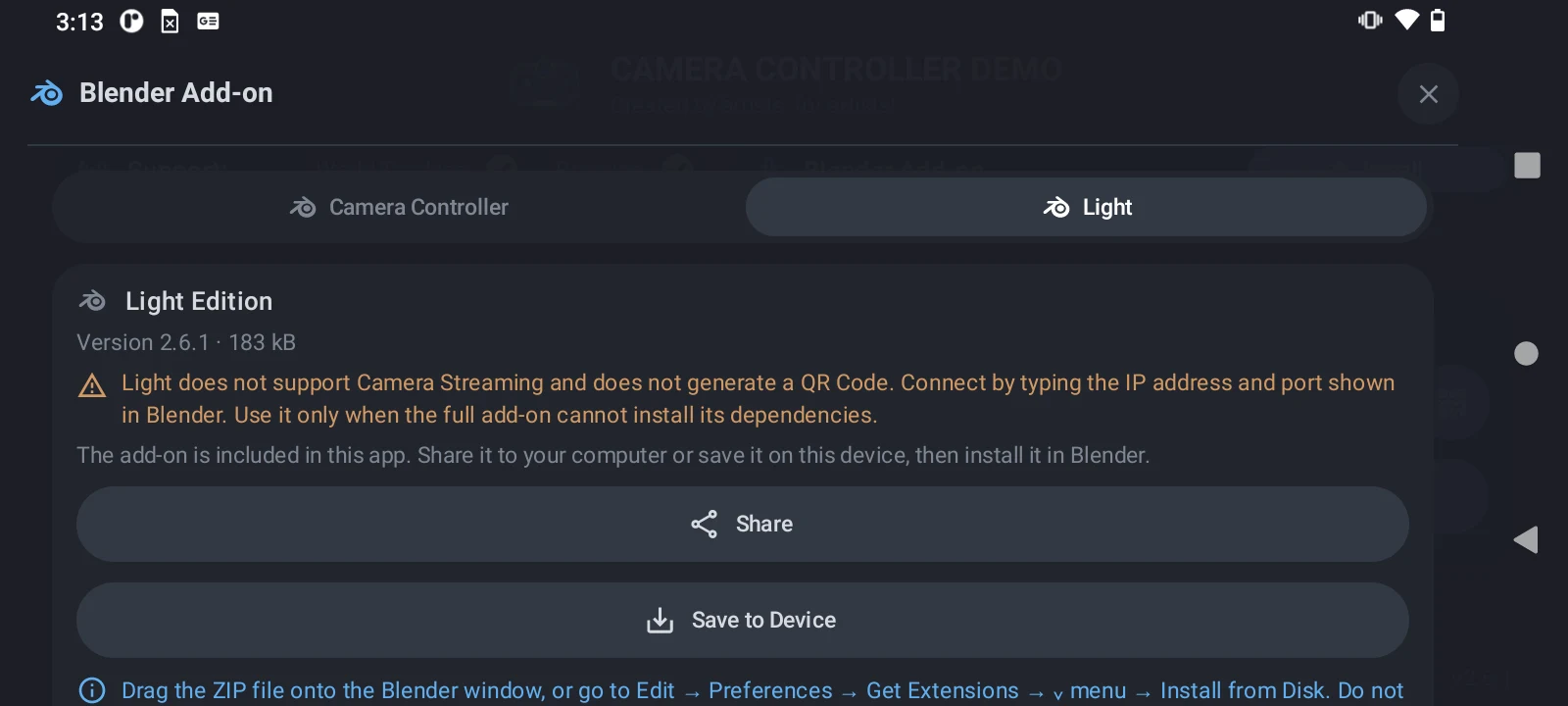
In short: Light is the same control workflow as the regular add-on — camera and object control, timeline, recording, keyframes, smoothing, leveler, and grid — just without Camera Streaming and without the QR code. You always connect Light by typing the IP address and port shown in Blender.
What Light Includes
Light keeps the local UDP control bridge and the production controls that do not rely on streaming or external Python modules:
- Camera and Object control modes.
- Timeline and playback control.
- Camera and object motion settings, locks, leveler, and grid lines.
- Real-time smoothing and post-bake smoothing.
- Recording channels, Location keyframe tools, Delete Left/All/Right actions, and baking.
- Object Drive Mode controls, including steering settings and drive-animation smoothing.
- The debug Smooth Camera Playback control.
- Updates sent from the Android app, like the full add-on.
The full and Light add-ons use separate Blender identifiers, so they can be installed together when you need both workflows.
What Light Does Not Include
Light does not install, download, or import external Python packages. It also has no:
- Camera Streaming, stream URL, stream controls, or streaming diagnostics.
- QR code for endpoint connection.
- Automatic dependency installation or dependency-repair controls.
- Crop configuration or display-capture features.
Connect the App Manually
Start the Light server from the Camera Controller Light sidebar. Its server panel prominently shows the IP address and UDP port. Enter those exact values manually in the Android app Connection screen, then select Connect.
The app recognizes the Light server and keeps its streaming control unavailable for that session. If you select it, the app explains that streaming requires the full add-on.
Get and Update Light
Light is included in the Android app. On the Blender Add-on Page, open the Light tab and use Share or Save to Device, then install the ZIP in Blender. Later updates work as for the full add-on: tap Update in Blender and click Install in the Light panel, where the confirmation box appears at the top. See Add-on Updates.
The full and Light editions are packaged and verified independently. The app sends the edition that Blender reports, Blender refuses a package for the other edition, and a full-edition update cannot replace Light. This keeps the dependency-free and no-streaming guarantees intact after installation.